CapCut
All-in-one free video editor for PC & Mobile

Safe & Secure
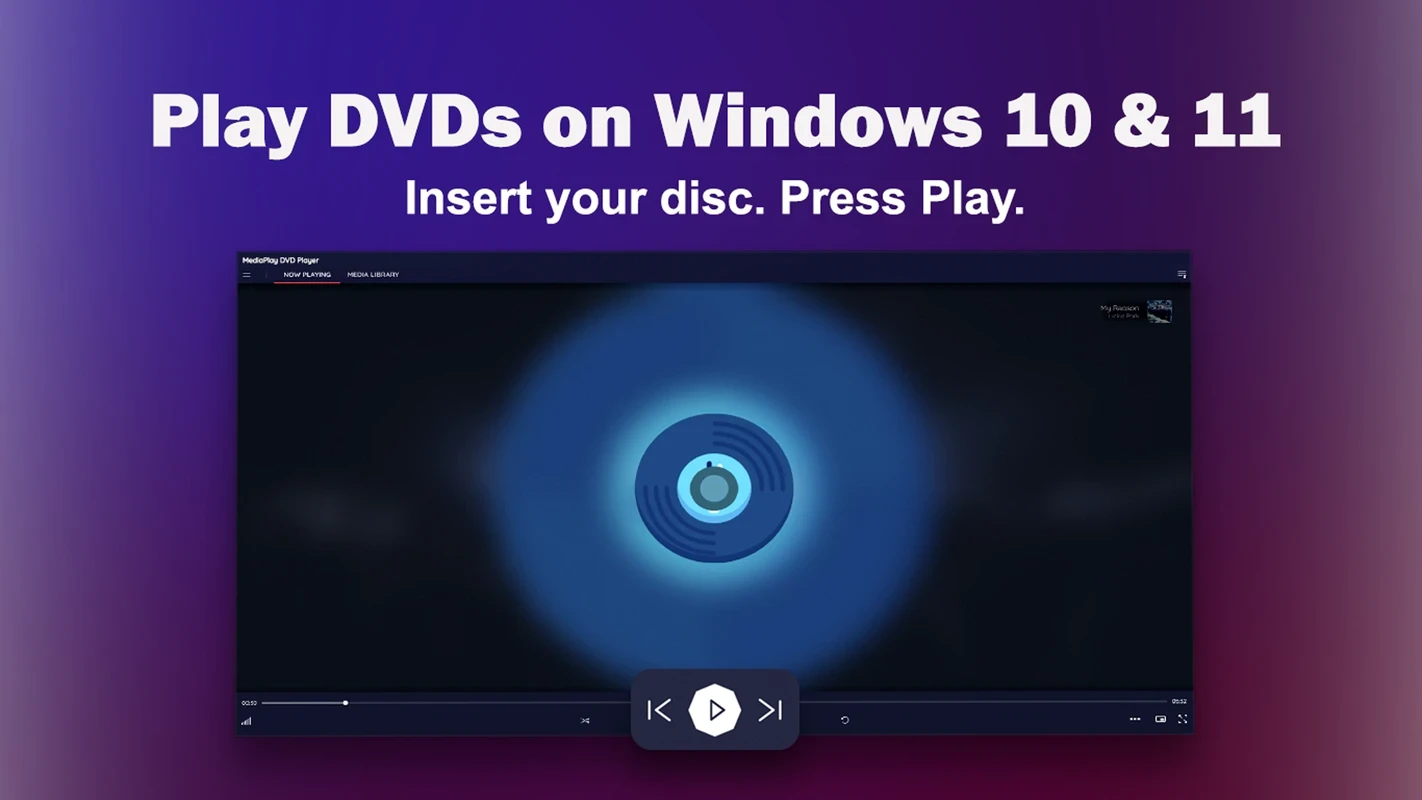
MediaPlay DVD offers an all-in-one solution for effortless audio and video playback for Windows operating systems. The free multimedia app, previously known as Power DVD Player, was developed by RoxyApps and falls under the Entertainment category. The sleek and modern UI offers an intuitive user experience, supporting a huge variety of file formats.
The innovative app, with customizable playback options, subtitle support, and playlist creation, caters to users according to their preferences, proving a versatile utility for handling everything from physical media to digital media.
Seamless compatibility is available for DVD discs, DVD folders, and VIDEO-TS folders for the latest Windows 11 and Windows 10 operating systems, along with adjustable aspect ratio, zoom, playback speed, video size, audio presets, and equalizer. Built-in subtitles enhance your video-watching experience; you can also load external subtitle files. However, you need an internet connection for downloading subtitles. Various conversion tools are available, allowing users to convert videos and also compress large files. The extraction of audios from video files is also possible. You need an internet connection for using the built-in streaming library, but DVDs and other local media files can be played offline.
The DVD Media Player is the best solution for playing visual content, allowing users to manage their media library while adding the directories’ source, or dragging into the player to queue them. It also allows the opening of DVD content of discs right from the app’s menu, and also filtering the content based on the source of your files, such as library content, imported folders, or from other existing devices. In addition, you can sort the large amount of imported visual content by name, duration, or file type. You will also find huge support for file formats, including Blu-ray, DVD, AAC, MP4, REC, MOV, MKV, ISO, and so on.
The common controls and media are easily accessible within the suitable playback, without requiring extensive setup or configuration for personal DVD collections and locally stored videos. The modern-looking interface with intuitively accessible commands enables the users to access to the available features and options using a small walk-through. You can navigate to ‘Settings’ window for customizing theme and colors of your interface. The app offers free services and also a one-time subscription plan for $12.99 to unlock additional features.
Pros
Cons

All-in-one free video editor for PC & Mobile

Get optimized converted multimedia files with Format Factory

Green Convert is a free video converter to offers a quick conversion and editing videos with support for limitless formats

Free Cam, capture, record, and edit videos to upload directly on YouTube

VLC supports multiple audio/video formats to play your multimedia.

Streamlabs OBS is a offer you online and offline broadcasting.